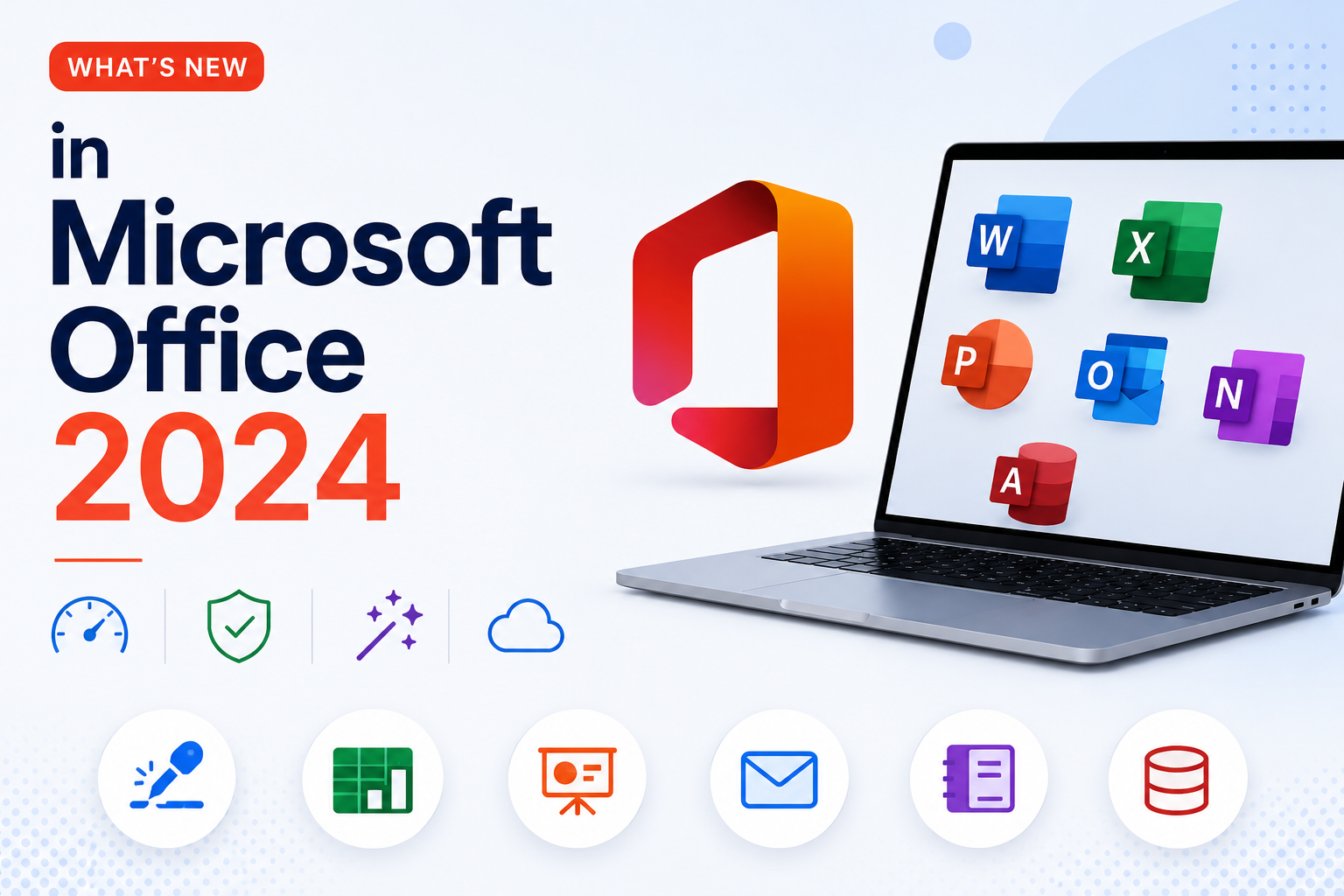
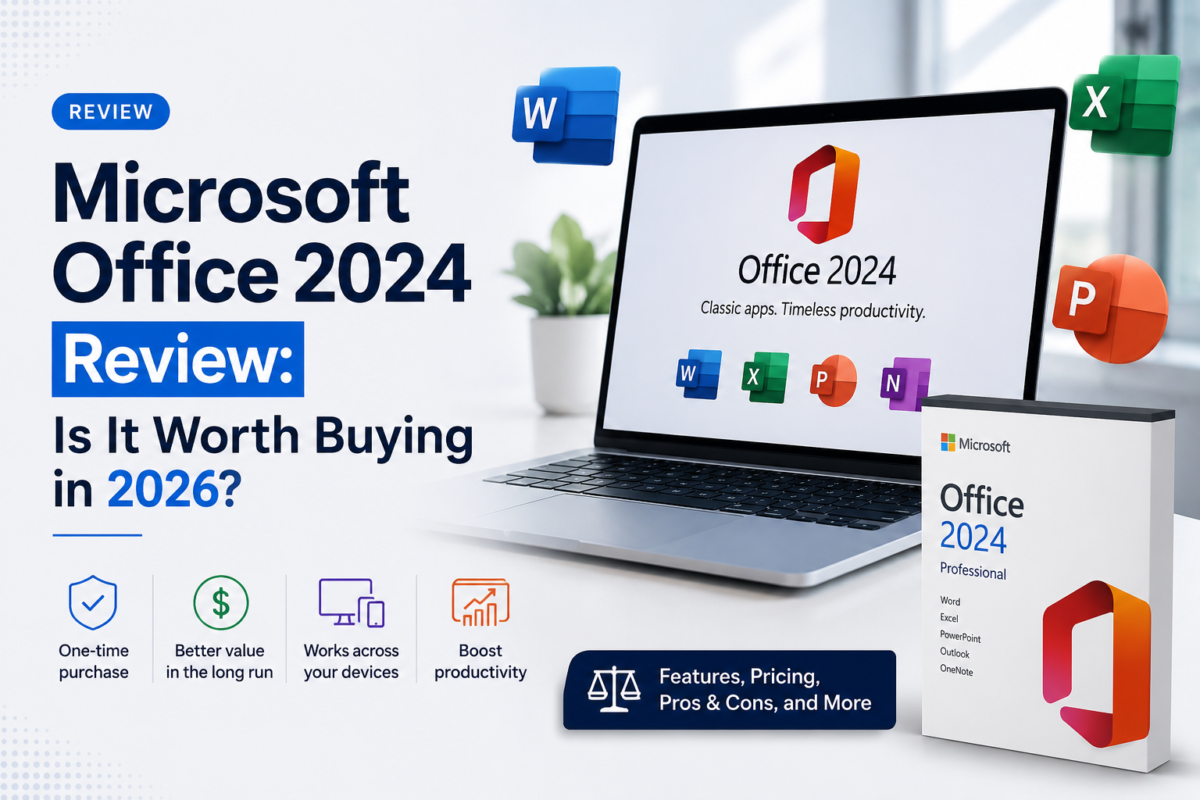
Microsoft offers three editions of Office 2024 as a one-time purchase — but the differences go far beyond the name. Choosing the wrong edition can mean missing Outlook, losing commercial use rights, or overpaying for features you do not need. This guide breaks down exactly what each version includes, who it is for, and what it costs on DigitLicense in 2026.
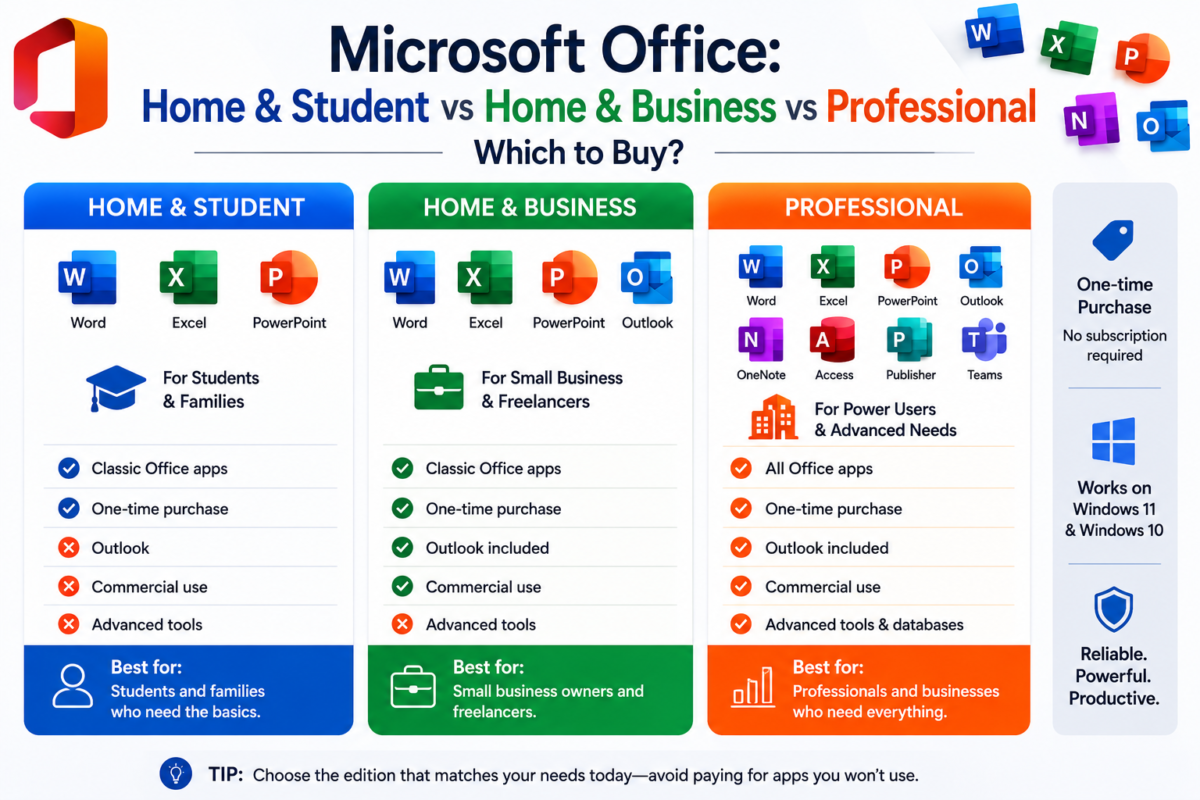
Critical difference: Home & Student is personal use only. Using it for work, invoicing clients, or any professional activity violates Microsoft’s license terms. Businesses must use Home & Business or Professional Plus.
Home & Student — $129
Perfect for students and personal use only. Word, Excel, PowerPoint and OneNote. No Outlook. No commercial use.
Home & Business — $150
Adds Outlook and commercial use rights. Ideal for freelancers, consultants, and any professional who needs email management.
Professional Plus — from $34
Complete suite with Access (databases) and Publisher (desktop publishing). For businesses and power users. Windows only.
Microsoft 365 — subscription
Monthly/yearly plan with 1 TB OneDrive, always up-to-date apps, and up to 6 users. Best for families and growing teams.
Can I use Home & Student for my small business?
No. Home & Student is licensed for personal, non-commercial use only. Any business use — including invoicing, client work, or professional documents — requires Home & Business or Professional Plus.
Can I add Outlook to Home & Student later?
No. You cannot add individual applications to an existing Office license. You would need to purchase a separate Home & Business or Professional Plus key.
Is Professional Plus available for Mac?
No. Professional Plus (which includes Access and Publisher) is Windows-only. On Mac, the best available edition is Home & Business, which includes Word, Excel, PowerPoint, OneNote, and Outlook.
What is the difference between a “bind key” and a regular key?
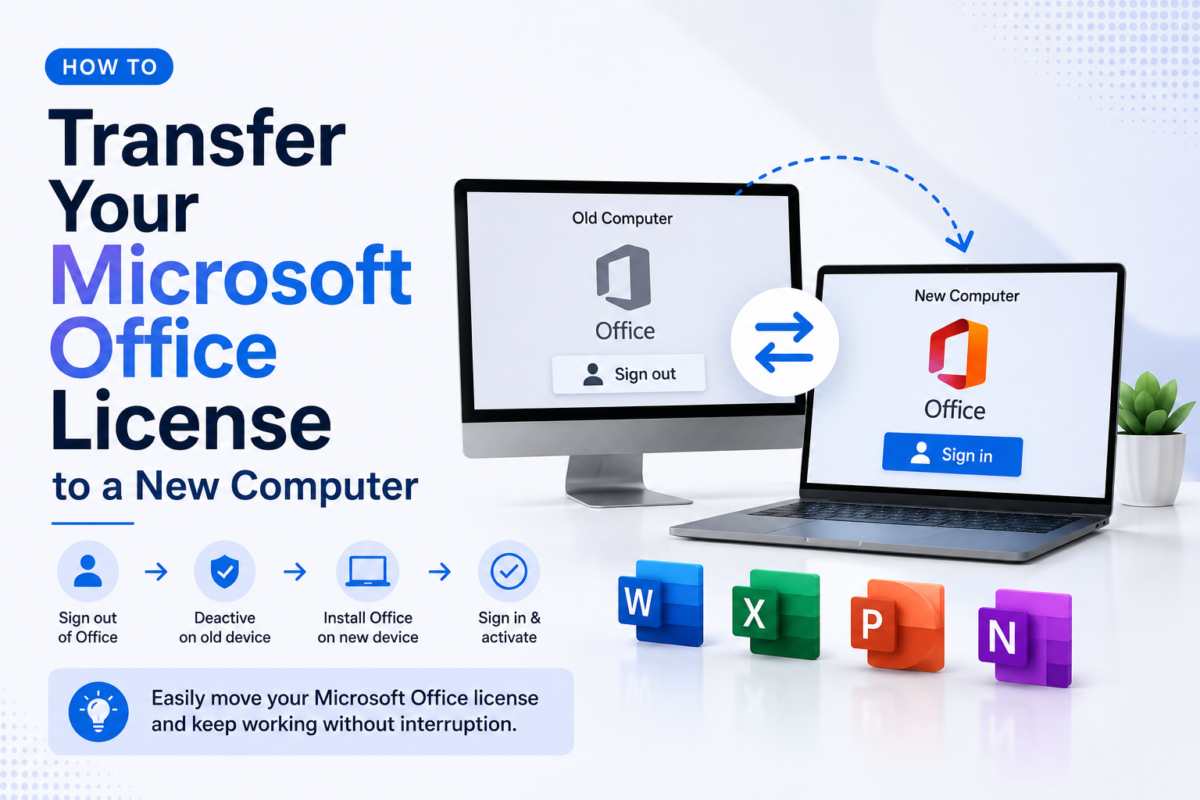
A bind key is linked to a specific Microsoft account at first activation and cannot be transferred. A regular retail key can be moved to a new device by deactivating the old one first.
Does Office 2024 include Teams or OneDrive?
No. Teams and OneDrive (1 TB) are exclusive to Microsoft 365 subscriptions. Office 2024 one-time purchases include only the core Office applications.