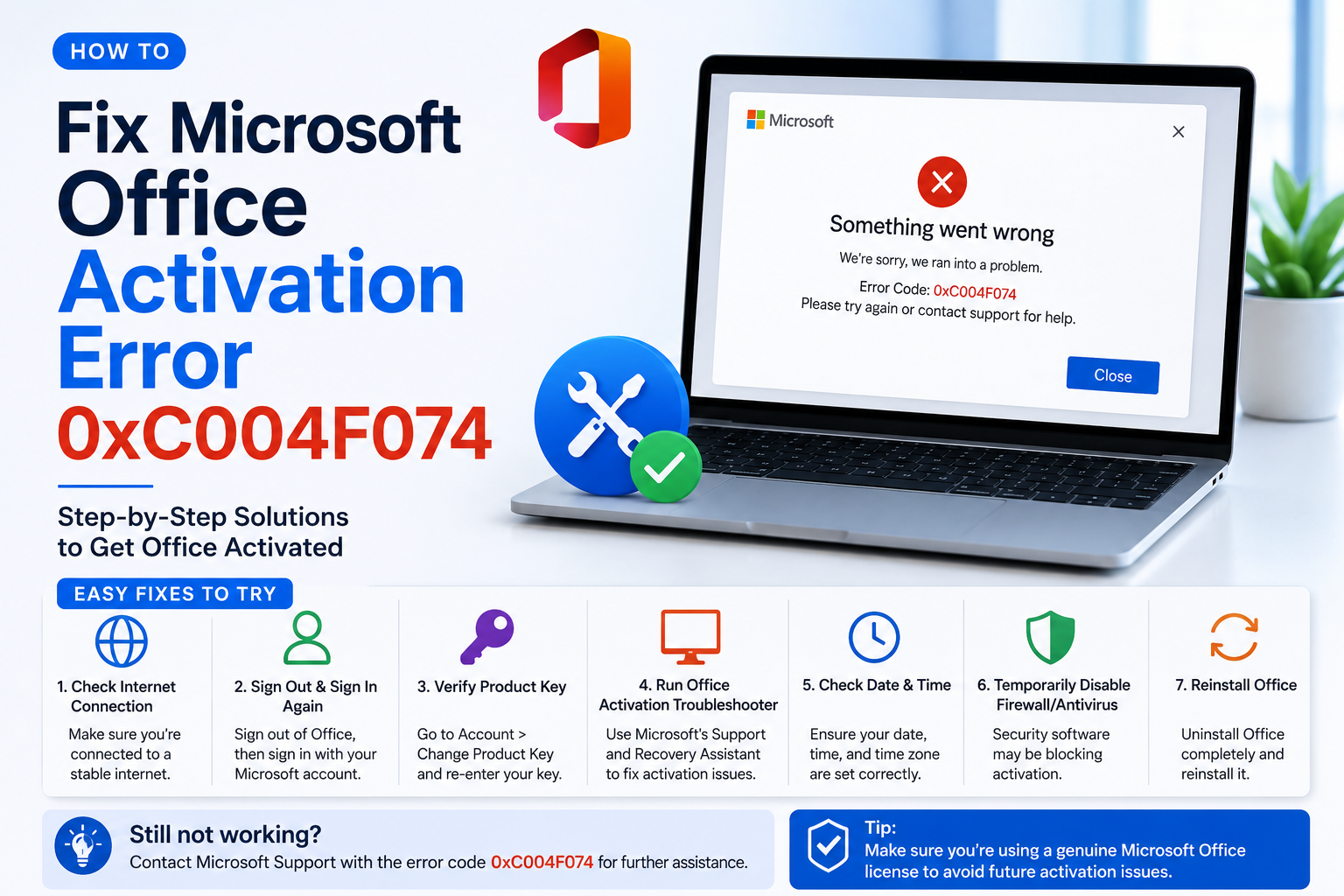
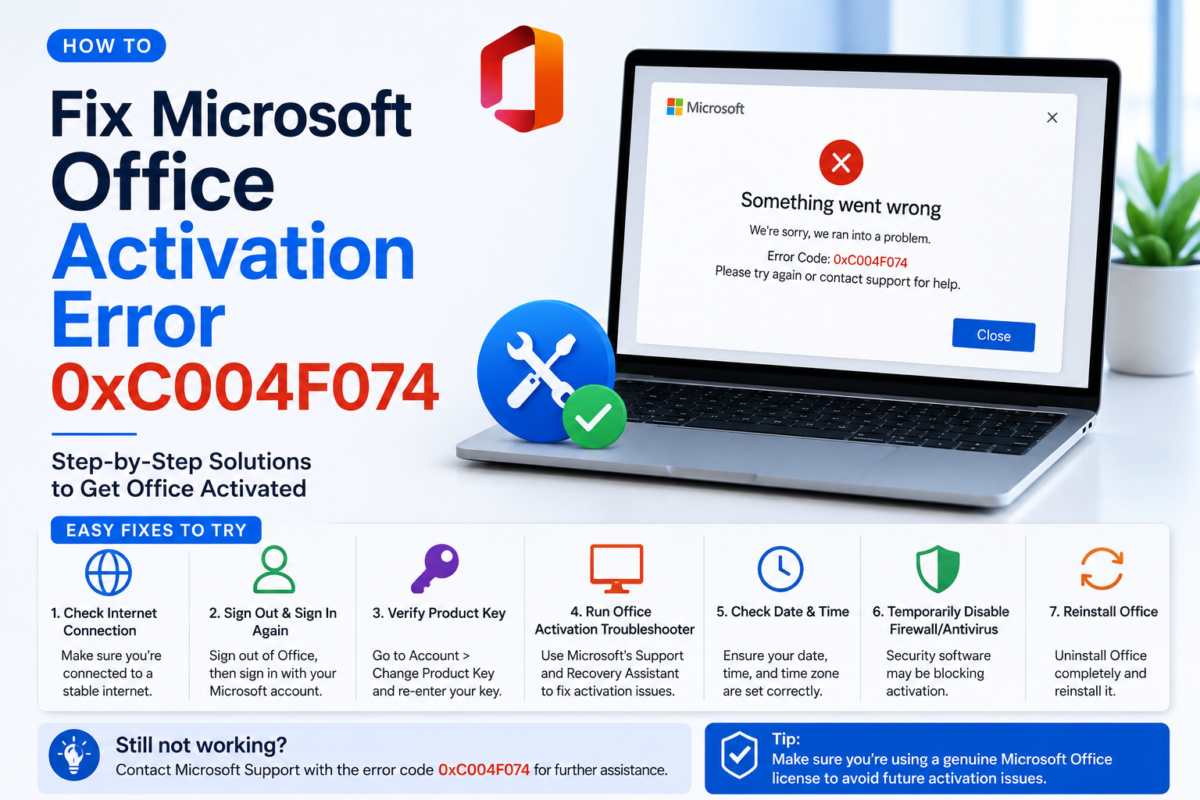
Error 0xC004F074 means Windows or Office cannot reach Microsoft’s activation server. This is almost always a network issue — not a problem with your key.
Do not panic. This error does NOT mean your key is invalid. It means the activation server could not be contacted at that moment.
Common Causes
Cause
How Frequent
VPN or proxy blocking Microsoft servers
Very common
Firewall blocking port 1688
Common
Wrong date/time on your PC
Common
Microsoft server overload
Occasional
Corrupted Windows licensing service
Rare
Fixes — Try in Order
Disable your VPN
Disconnect any VPN completely and retry activation. VPNs frequently block Microsoft’s KMS activation ports.
Fix date & time
Go to Settings → Time & Language → Date & Time. Enable “Set time automatically” and “Set time zone automatically”. Retry activation.
Run Activation Troubleshooter
Go to Settings → System → Activation → Troubleshoot. Windows diagnoses and attempts to fix the issue automatically.
Restart licensing service
Open Command Prompt as Administrator and run: net stop sppsvc then net start sppsvc Retry activation.
Activate by phone
In the activation window, click “Activate by phone”. Follow the automated system to get a confirmation ID — no internet needed.
In 95% of cases, disabling the VPN and correcting the date/time resolves error 0xC004F074 immediately.
Still stuck? Contact DigitLicense support at support@digitlicense.com. We respond 24/7 and help you activate via alternative methods.
Does this error mean my key is fake?
No — error 0xC004F074 is purely a connection issue and has nothing to do with key validity.
Can I activate Office offline?
Yes — use the “Activate by phone” method in the activation dialog. No internet required.